Choose your Canadian edition and a community on Home, or browse the region. Then use the three essentials buttons. Sharing your location is optional.
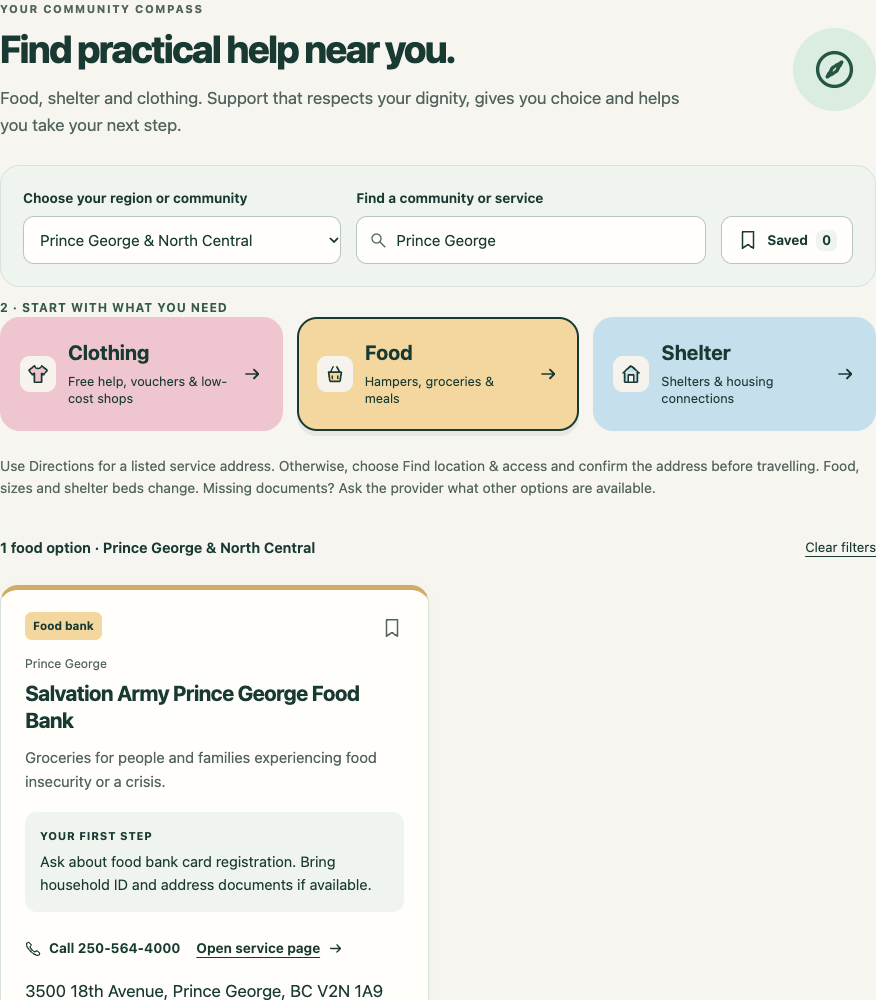
FoodHampers, groceries and meals.
ShelterA safer place to stay and housing connections.
ClothingFree help, vouchers and low-cost shops.
Step 1→Step 2
1
Choose your region or community
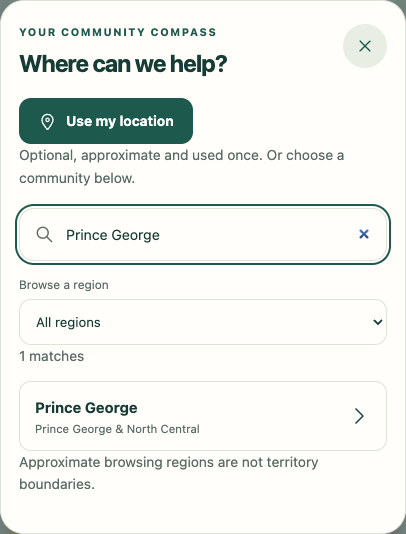
On Home, choose your Our Way edition, then use Choose your location to select a town or community. You can also browse the whole region without sharing your location.
Choose a community or browse the region first.
You can also use Essentials in the app menu to return to food, shelter and clothing.
2
Choose clothing, food or shelter
Tap Clothing, Food or Shelter. Use the region selector or search for your town or a service. Read the matching options and choose the next step that fits.
Then choose an essential and find a local option.
Make one connection
Use the listing’s phone or website to ask about opening hours, pickup or intake, and what to bring. Food, clothing sizes and shelter beds can change. Confirm before travelling.
For broader housing help, the Food & housing Home button also leads to housing contacts and application guides.
When you need something else
Choose your community. Then look at the buttons.
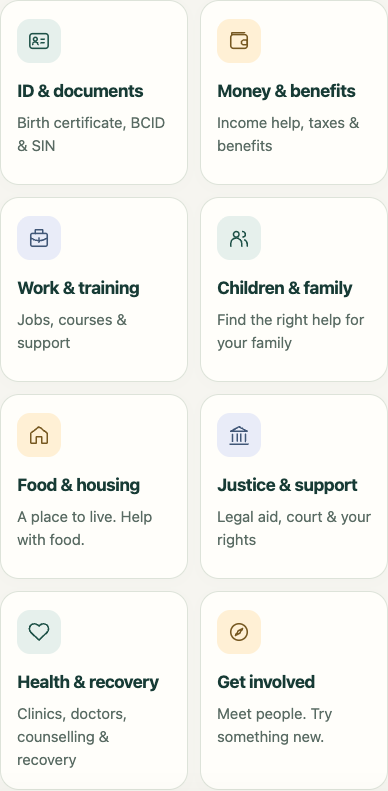
The other Home buttons help you explore identification (ID), benefits, work, family, justice, health and community connections. Choosing your community helps bring nearby options into view.
Step 1→Step 2
1
Choose your community
Tap Choose a community on Home or at the top of the app. Type your town, then tap its name.
Type your community and select the matching name.
Use my location is optional. You can choose a town yourself, or browse the whole edition.
2
Tap the help you need
Return to Home and look at the large buttons. Tap the one that fits, then open a guide or a service listing.
Each button opens a different path to support.
For example
Missing ID? Start with ID & documents.
Need income help? Try Money & benefits.
Looking for a job or training? Choose Work & training.
You can save a useful listing, follow a how-to checklist or write down one question to ask. Each organisation confirms its own services, eligibility and availability.
You set the pace. You can pause, come back or change direction.
Screenshots show the Our Way BC web preview. To begin, visit the Main Portal to choose general adult and family services in Canada or the USA, or open Our Way Youth Canada for youth programs and support. Then choose your province, territory, state or community. Tap any screenshot to view it larger.